Linkloft is a bookmark manager and file organizer for Android. Web pages, videos, music, documents, places and files on your phone, in a single library that lives on the phone itself.
Your library lives on your device, without a Linkloft account or automatic cloud sync. Export, import and manual backups are free, so you can keep your own copies and move your library when you need to.
Get it on Google PlayFree. No ads, no account, no subscription.
Prefer a direct download? Get the official package on GitHub.
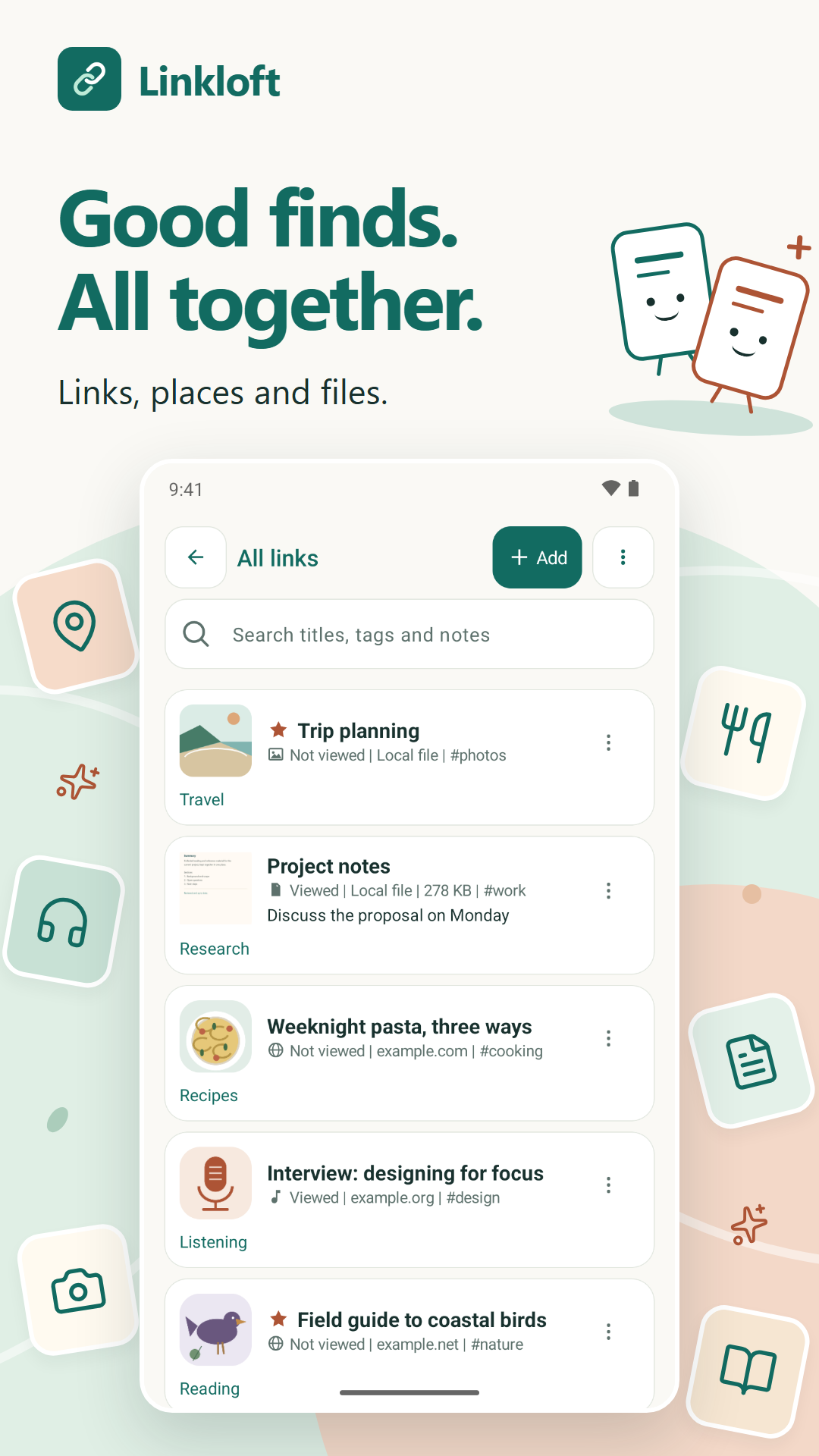
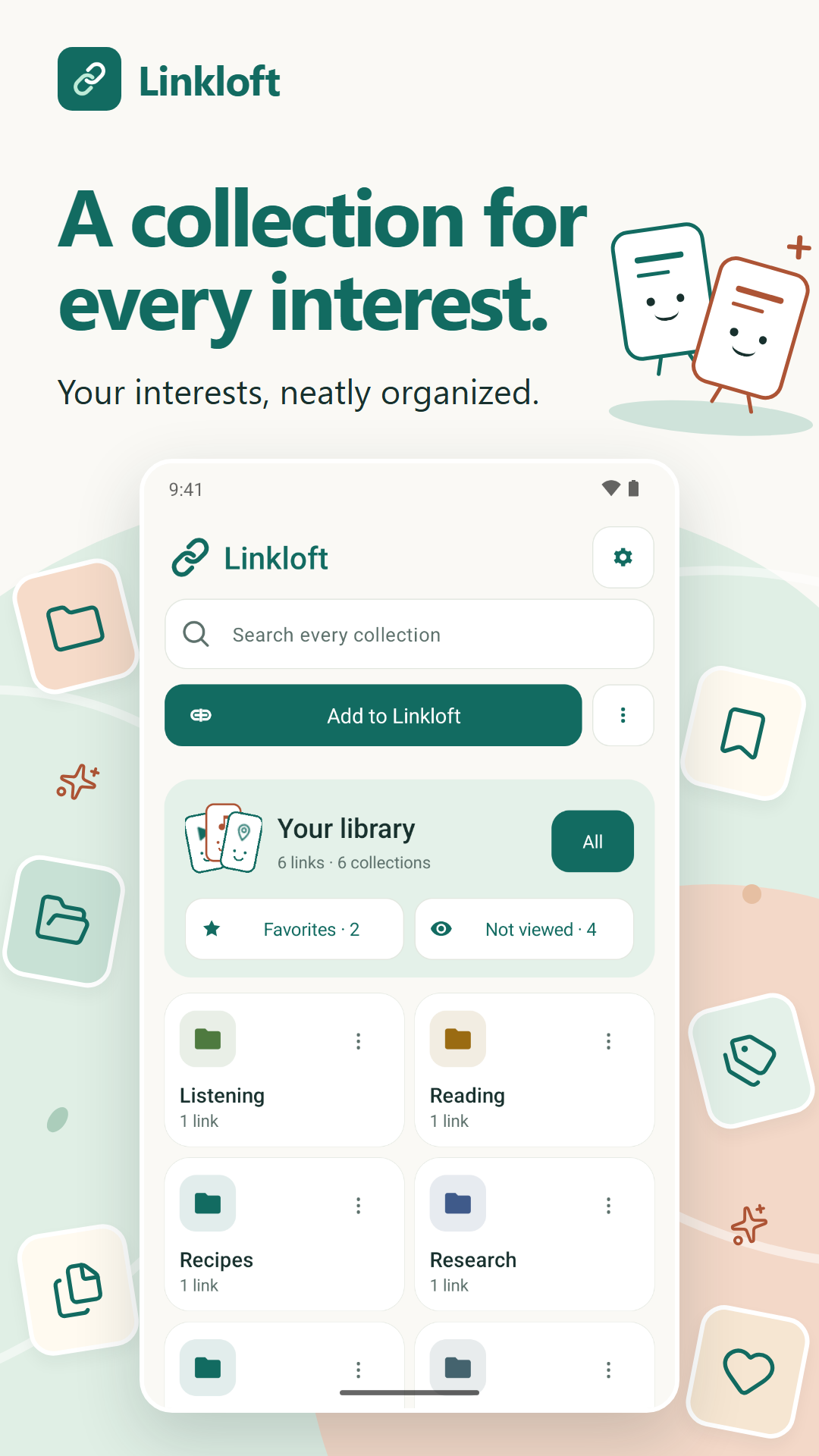
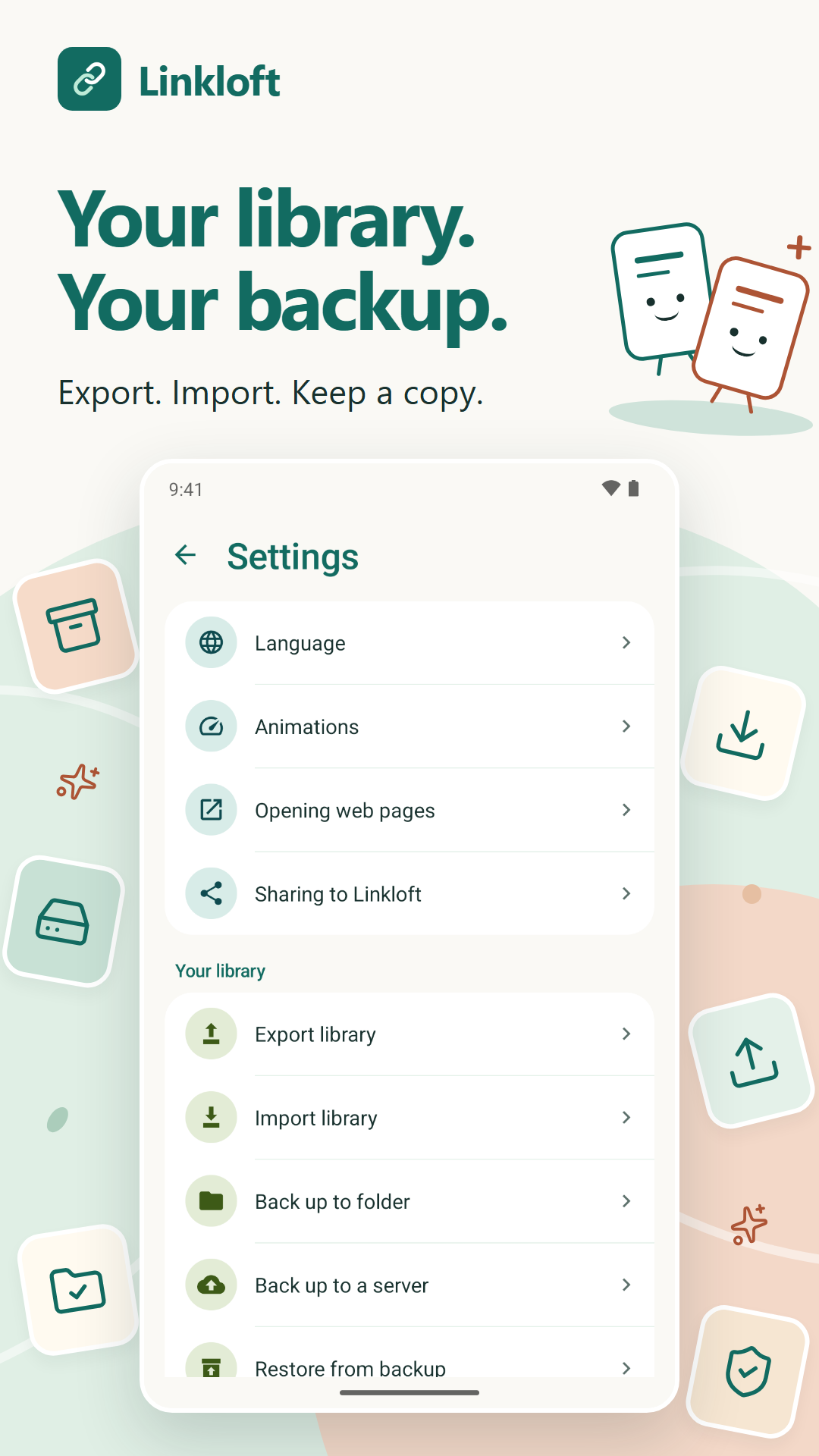
Actual Basic app screens with the Little discoveries artwork: library, collections and backup.
Not only links. Share a page, video, place or file into Linkloft from any app. In Linkloft, Add to Linkloft lets you paste a URL or pick one or more local files. To scan a QR code, choose Add to Linkloft → Add URL → Scan a QR code. You can also save selected text, or use Library actions → Import library to import an existing Pocket, Instapaper or Raindrop export.
To find Linkloft faster, touch and hold it in Android’s share menu and choose Pin if offered. Some phones and apps use a different menu without this option.
Where available, previews show video thumbnails, album covers, website icons or a PDF’s first page. Saved places prefer an official website or business icon, then a photo of the place. If no suitable image is found, the card shows initials. These place previews work in both Basic and Pro.
Collections work like folders, with a live count of what is inside. On top of them there are tags, favourites, notes, viewed tracking, search across titles and tags, and filters for web pages, videos, documents and local files. The first line of a note you write appears below Viewed on the link card. Inside a collection, Library actions holds Filter, Sort, selection, export, import and Settings. Six illustrated feature tips can be dismissed and brought back from the same menu.
Send an individual link through Android’s app chooser to WhatsApp, email or
another app. Anyone using Basic or Pro can receive a .linkloft
attachment: open it with Linkloft, review the import, and choose an existing
collection or create a new one. There is no need to save the attachment first.
Sending several links together, as text or one Linkloft file, is a Pro feature.
Previews contact saved websites and image sources. Optional place pictures use map services, OpenStreetMap, Wikidata, Wikimedia Commons and business websites, using the place name and available address or location hints. Sharing, exports and backups send your chosen data to the destination you select. Google's scanning components collect technical and usage metrics. The privacy policy explains these requests and controls.
Export to JSON, CSV or browser bookmarks HTML — everything, or only the collections and tags you pick. Import from the same formats. Back up to any folder and restore whenever you need, or back up to your own WebDAV server, such as Nextcloud. These manual portability tools remain free in Basic and Pro. Local file entries are references; the files themselves are not packed into library exports or Linkloft sharing files.
A backup is not automatic sync. To use your library on another device, restore a backup there. Changes on different devices are not merged automatically, even when the backup is kept on a cloud drive or WebDAV server. Local files remain in their original locations and may need to be selected again on the other device.
Pro has not been publicly released yet. It is designed as a one-time purchase. Basic features remain free. The Pro build includes:
.linkloft file.Linkloft is available in 36 languages, including right-to-left ones, and follows your system's light or dark theme. You can also set the app's language by itself, without changing the rest of the phone.
Honest about the state of it. Linkloft is an early release written by one person. The descriptions above cover the current Basic app and the separately tested, unreleased Pro build.
The translations have not been reviewed by native speakers. If yours reads badly, tell me and I will fix it.
There is a longer piece on how Linkloft compares to Pocket, Raindrop.io and your browser's bookmarks, including where they are the better choice: a reading list that has no server.